Our Software
Three products for academic journals, built and hosted by Journal Nexus.
Three products for academic journals, built and hosted by Journal Nexus.
A manuscript is submitted and reviewed in ManuscriptFlow. Once it is accepted, PubCrafts turns it into a typeset PDF, HTML, EPUB and JATS XML. The finished article is then published on the journal’s JMSNexus website, with a Crossref DOI and the metadata that indexes read. Each product also works on its own, so you can start with whichever one solves your most pressing problem.
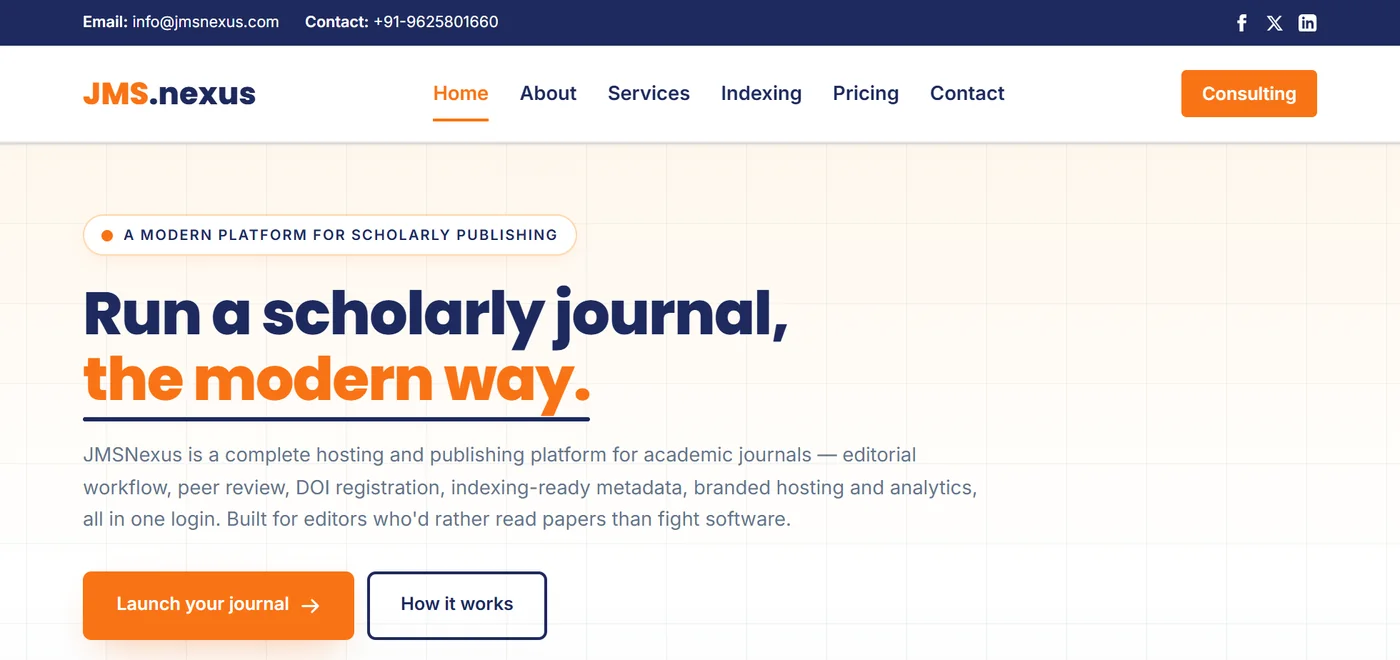
Journal hosting and publishing
JMSNexus gives each journal a public website and a private admin panel. Editors run submissions, peer review, decisions, revisions and copy-editing there, then publish issues and register DOIs without leaving the system.
We host it, so there is nothing to install, patch or upgrade. New journals can start on a free plan with a subdomain. Paid plans are priced per journal, not per article or per user.
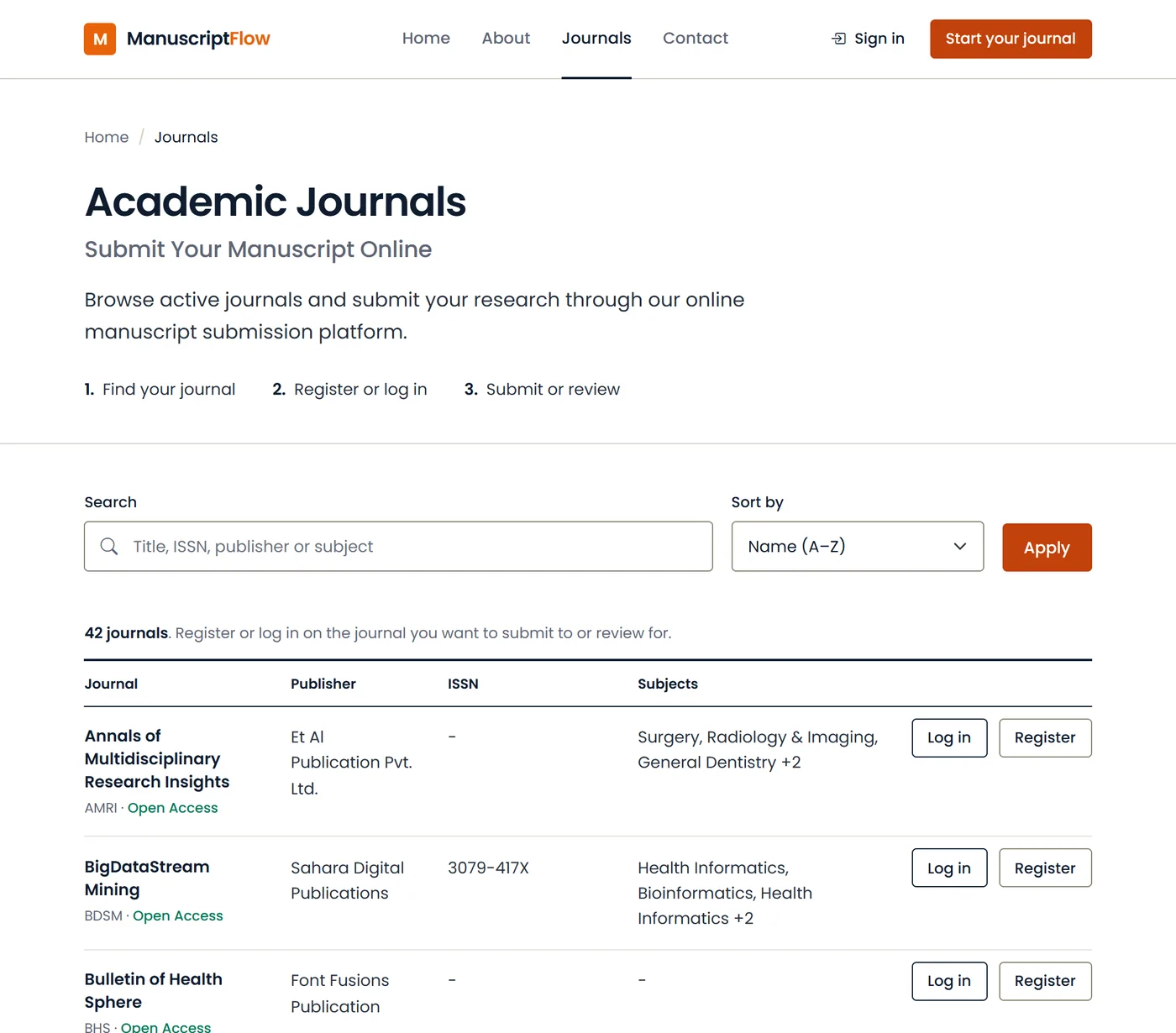
Online submission and peer review
ManuscriptFlow handles everything between a manuscript arriving and an editor’s decision. Authors submit through a step-by-step form that saves their draft. Editors assign a handling editor, find reviewers by subject and run single- or double-blind review. Reviewers from outside can respond through a secure link without registering.
Each journal has its own login page, editorial board, reviewer pool and article types, so one publisher can run several journals from one account. More than 40 journals use it, including titles from Taru Publications, REVO Publication and Corvus Medical Press.
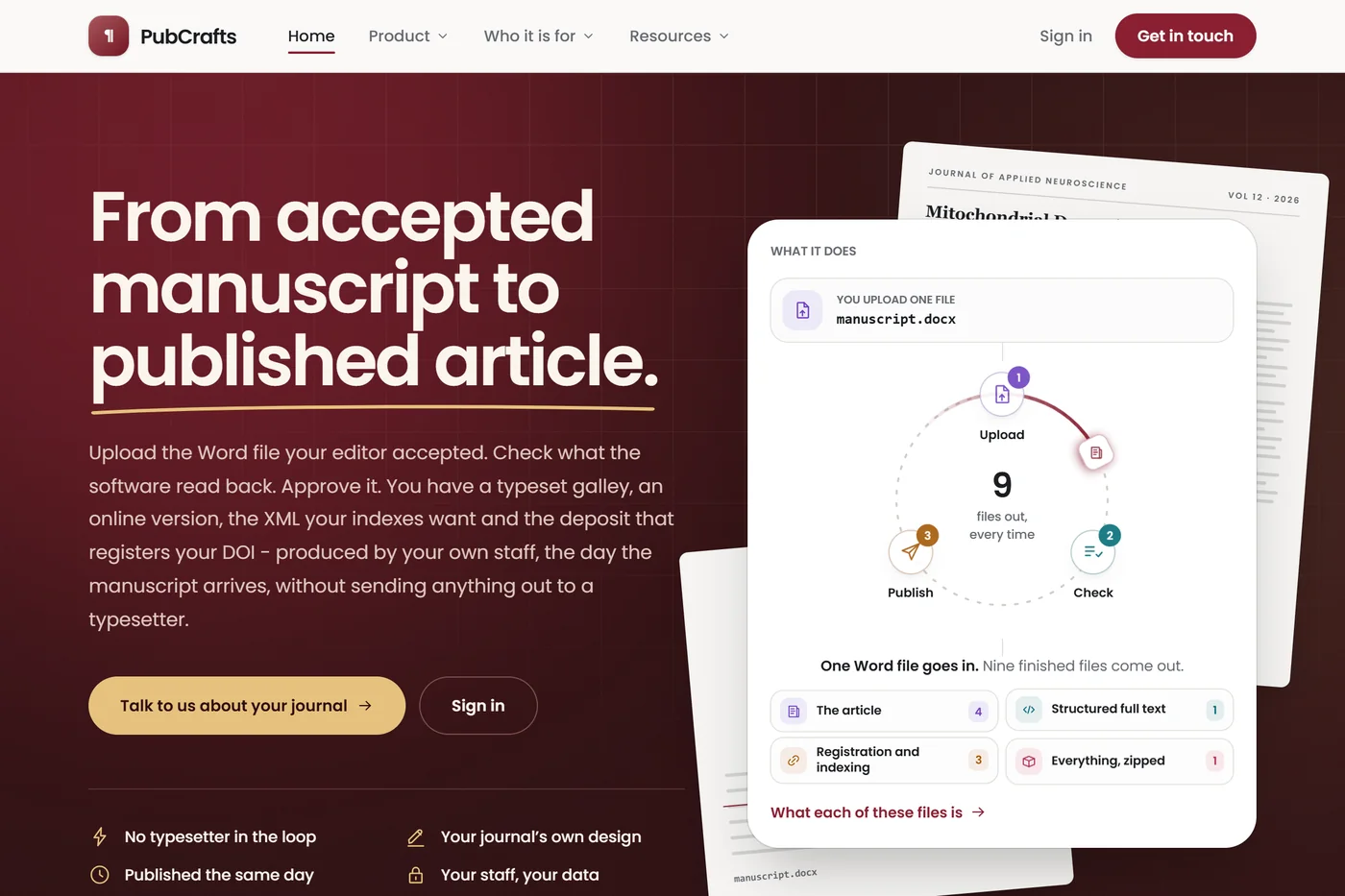
Typesetting and XML
PubCrafts is production software. You upload the Word file the editor accepted, without cleaning it up first. PubCrafts reads the sections, authors, affiliations, figures, tables, equations and references, and shows you what it found. Anything required for publication that is missing gets flagged before you approve the article.
Authors receive a private proof link that expires, and they can comment on the article directly. Because corrections are made by your own staff, an article can be published the day it arrives rather than waiting in a typesetter’s queue.
Society journals with small editorial teams, university presses and library publishers, and editorial offices that currently send typesetting to an outside vendor. It can also convert back issues to the same XML and deposit standards as new articles.
The easiest way to judge PubCrafts is on a real article. Send us one accepted manuscript and your journal’s details, and we will set it up in your design so you can look at the result.
If you are starting a journal, or your current website is hard to keep running, start with JMSNexus. It includes submission and peer review, so a new journal may not need anything else at first.
If peer review is the problem, with reviewers chased by email and decisions tracked in spreadsheets, ManuscriptFlow is designed for that. It can sit alongside the website you already have.
If production is slow or expensive, or you need JATS XML for PubMed Central, look at PubCrafts.
If you are not sure, tell us how your journal works now and we will suggest a setup. There is no charge for that conversation.
We also use internal tools for similarity checks, journal matching and reference checking. They are not sold separately; our editors use them when working on author services.
If your journal runs on software that someone has to install, patch and upgrade, we can move it to JMSNexus for you. That includes articles, issues, authors, files and metadata. Existing DOIs keep resolving and old URLs redirect to the new pages, so readers and indexes do not lose anything.
Migration is free on paid JMSNexus plans. If you also want your back issues in JATS XML, PubCrafts can convert them at the same time.
Email info@journalnexus.com, call +91-9625801660, or send us a message. We usually reply within 24–48 hours.
Send us a message